Appearance
Themes
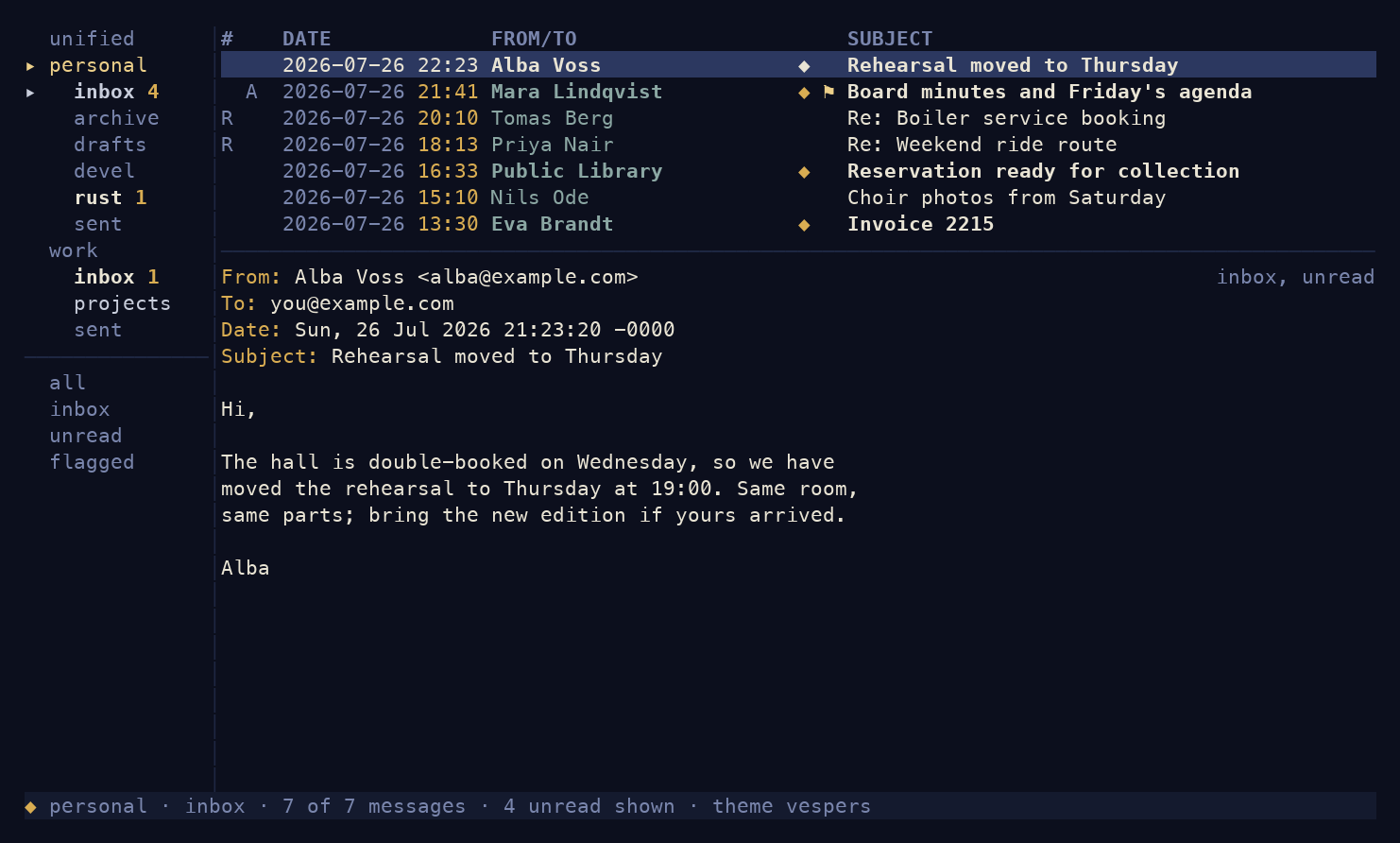
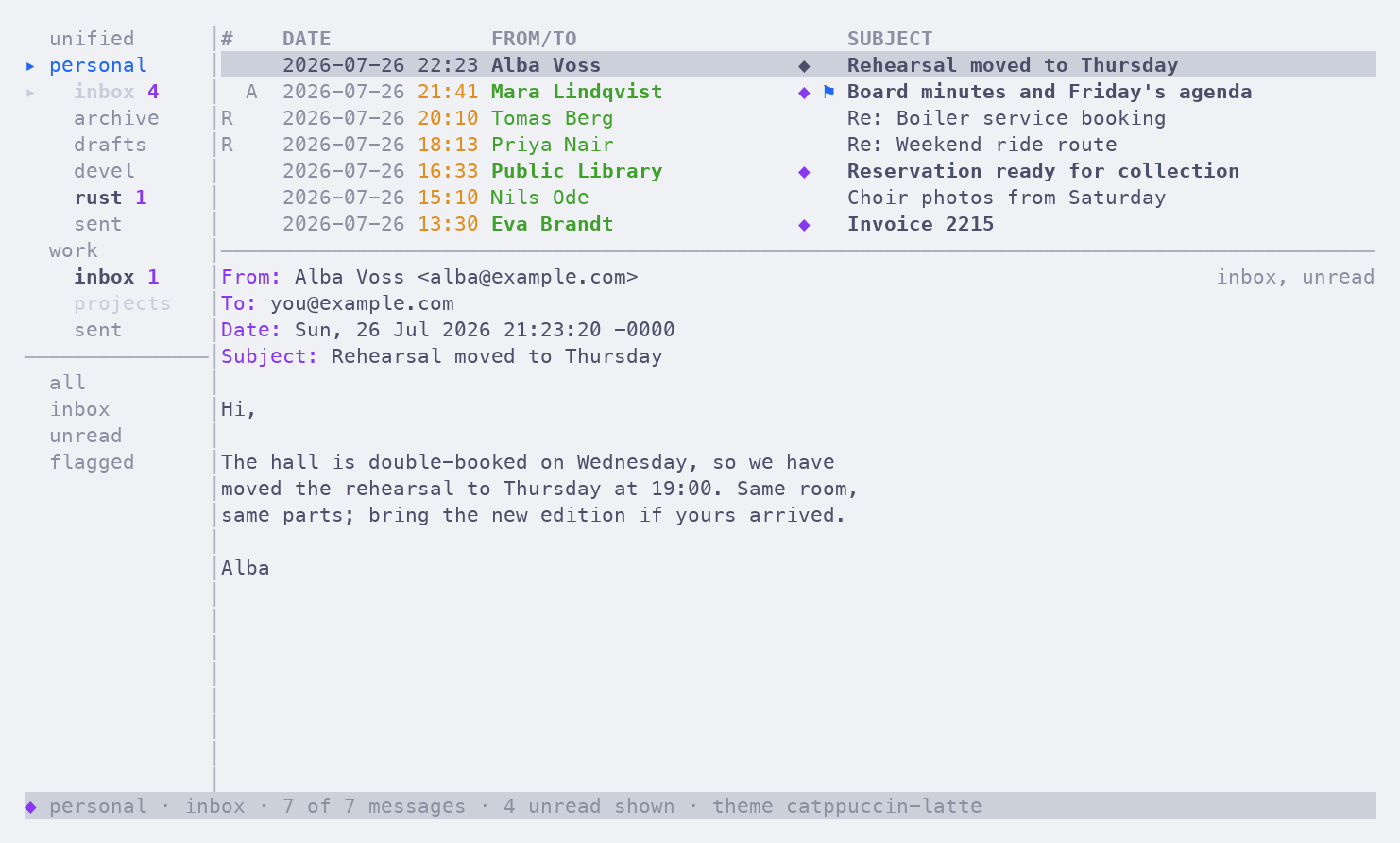
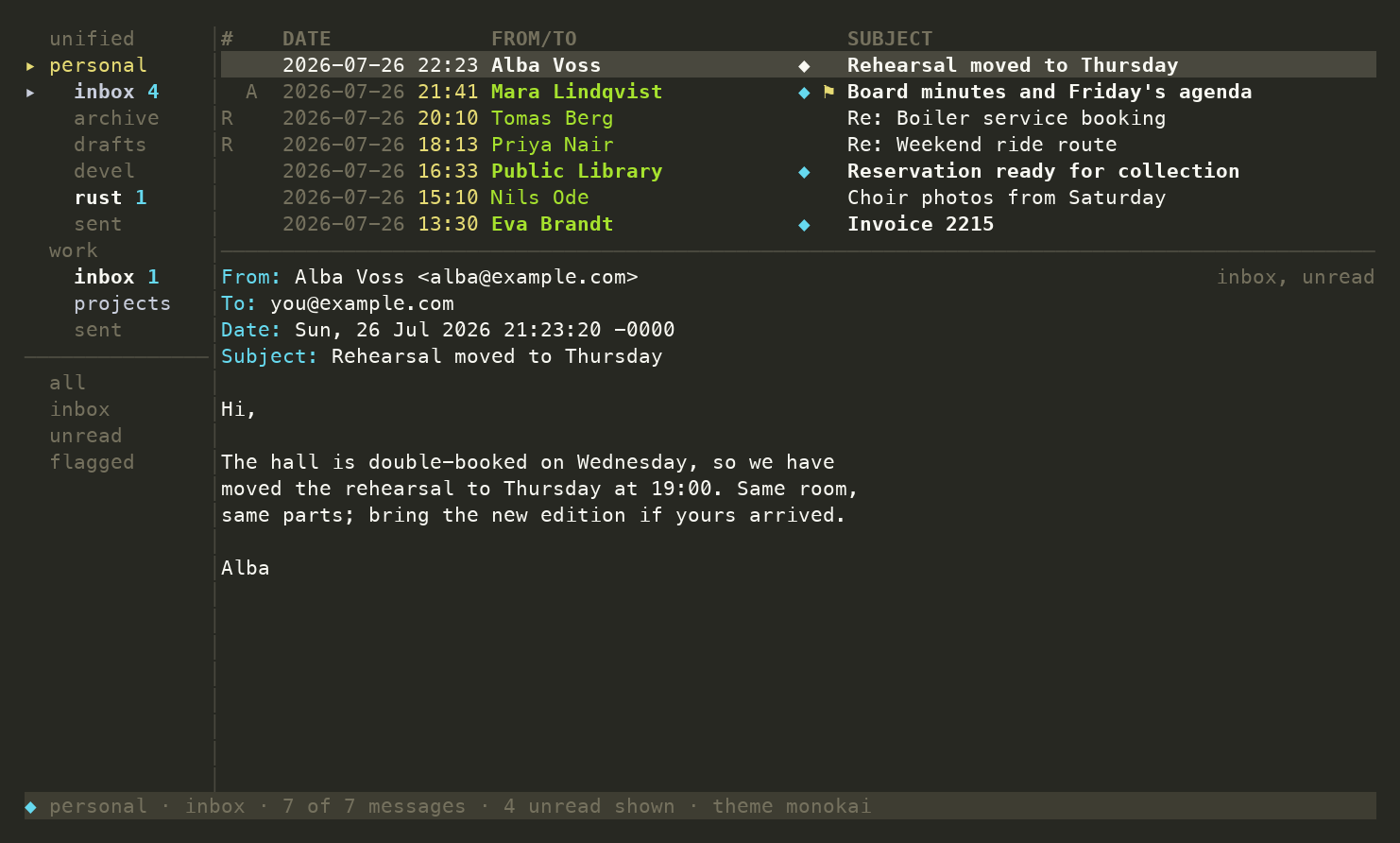
Antiphon ships a gallery of seventeen truecolor themes.
Switch live with :theme <name> (bare :theme lists them);
the choice persists to your config, or set it there directly:
[ui]
theme = "vespers"
Every screenshot below is the same mailbox; the status line names the theme.
Your own themes
A theme is one TOML file: a name and nineteen #rrggbb
colour roles. Drop yours in
~/.config/antiphon/themes/<name>.toml and it joins the
gallery; give it the name of a shipped theme to replace
that theme. Copy a
shipped file
as your starting point; a broken file stops startup, naming
the file and key at fault.
vespers
The house theme.
kanagawa-wave
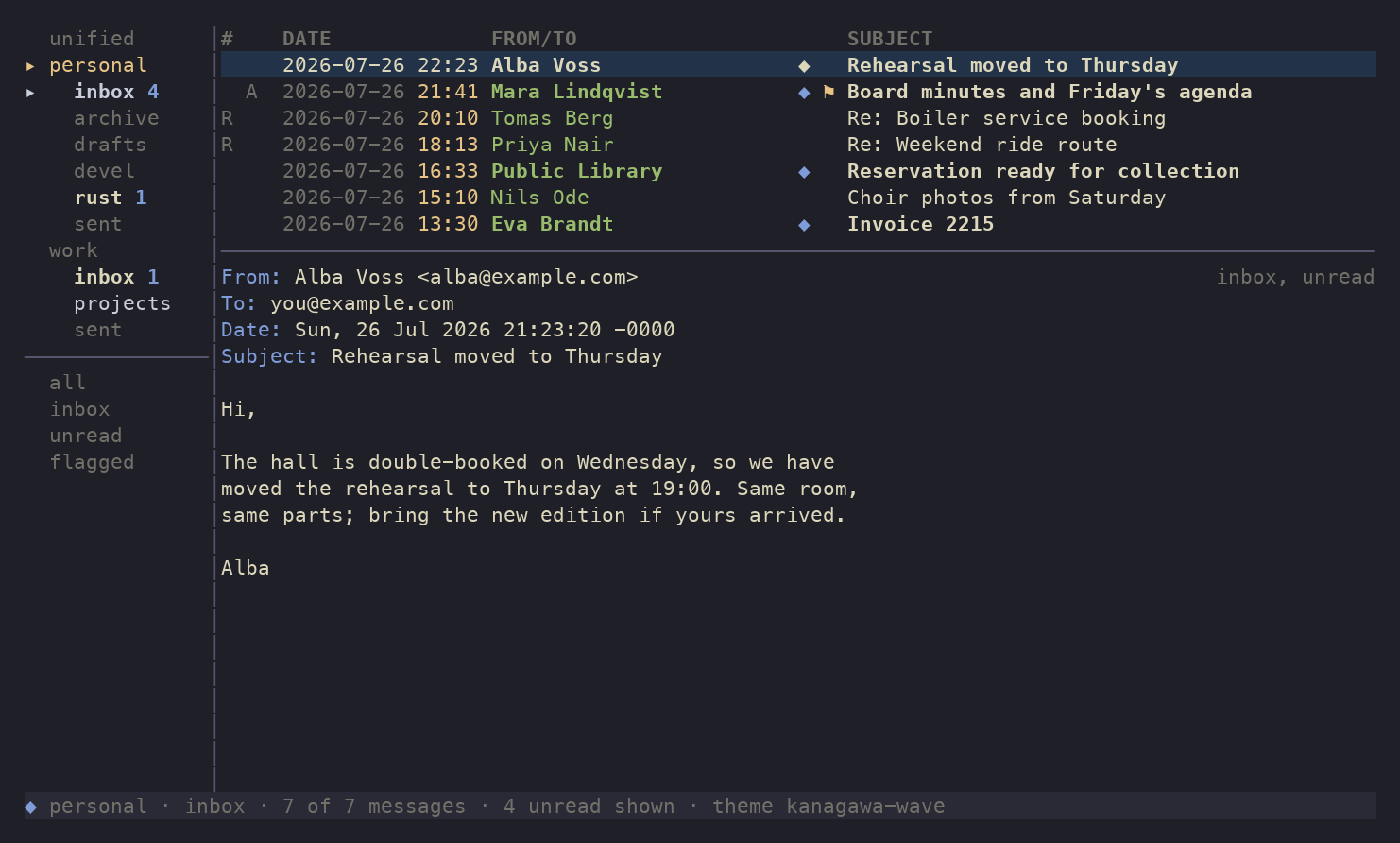
catppuccin-mocha
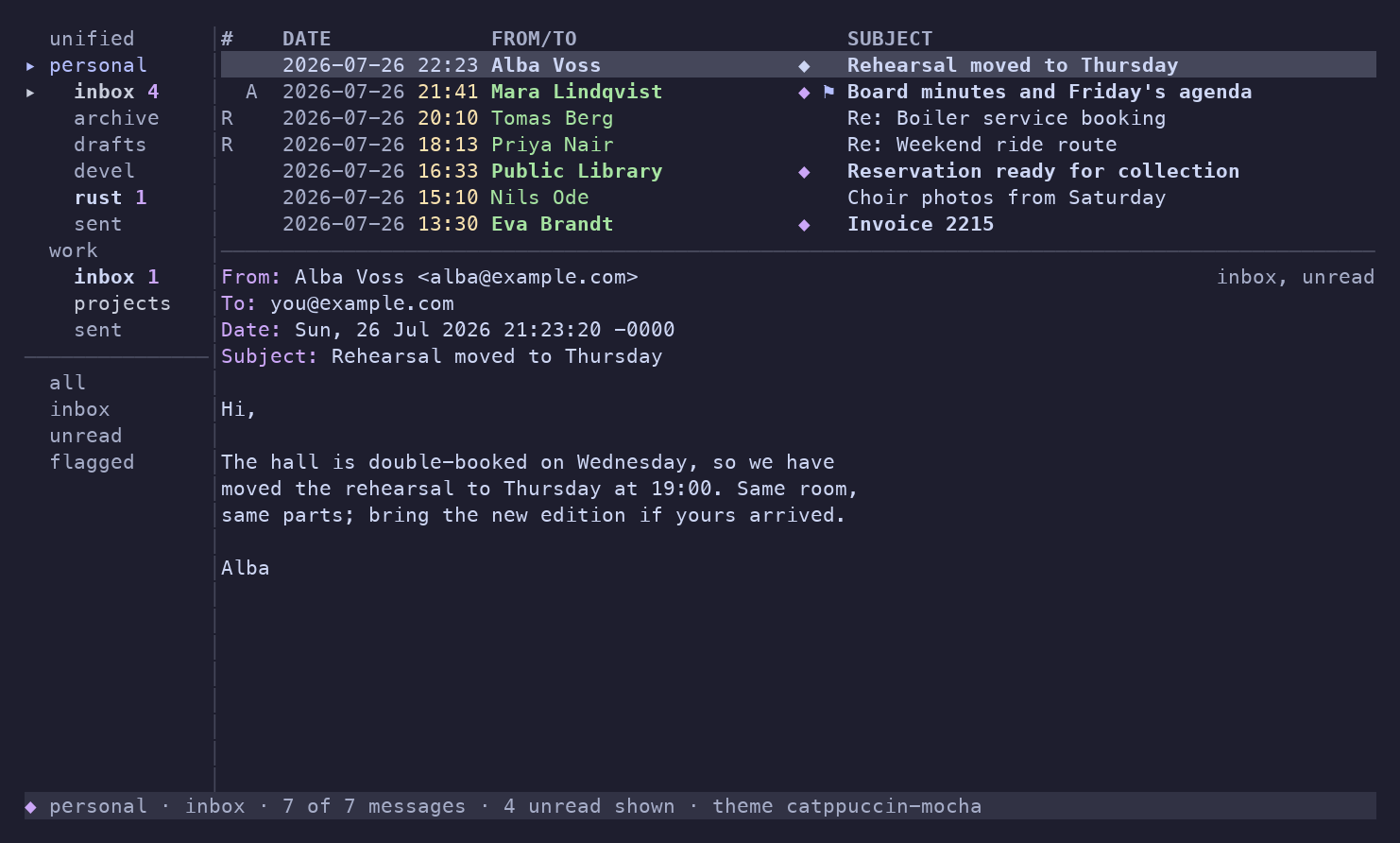
gruvbox-dark
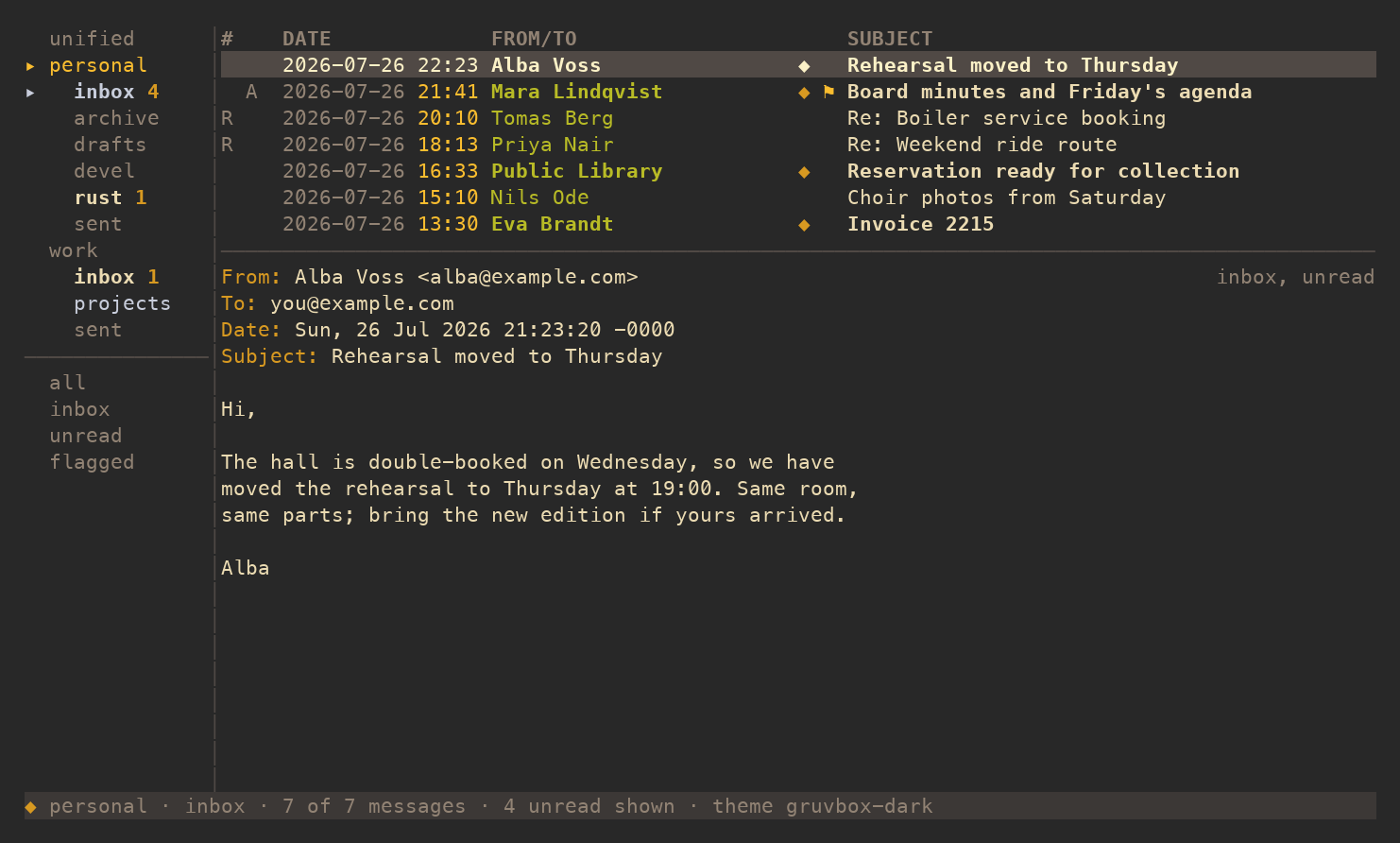
tokyo-night
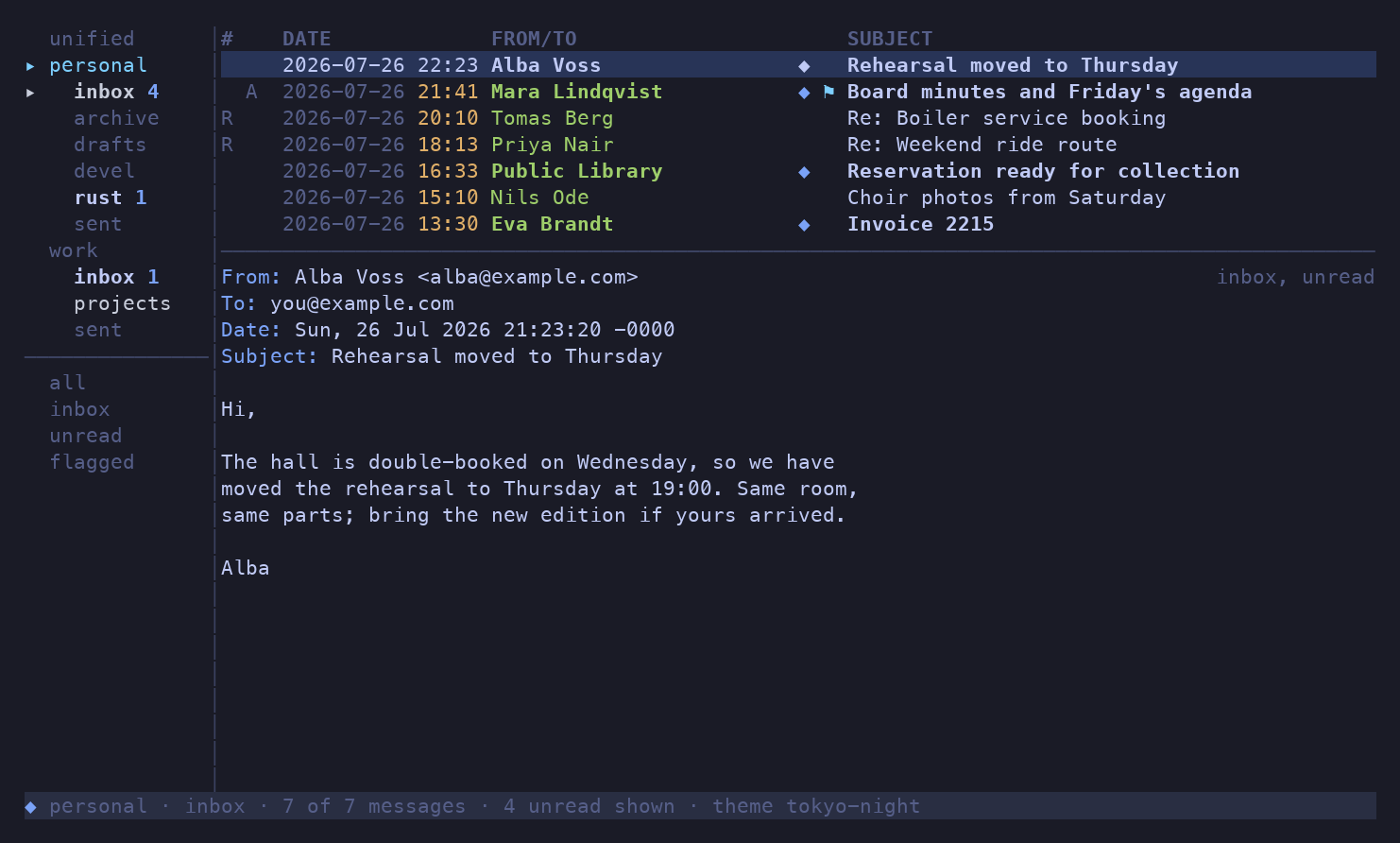
nord
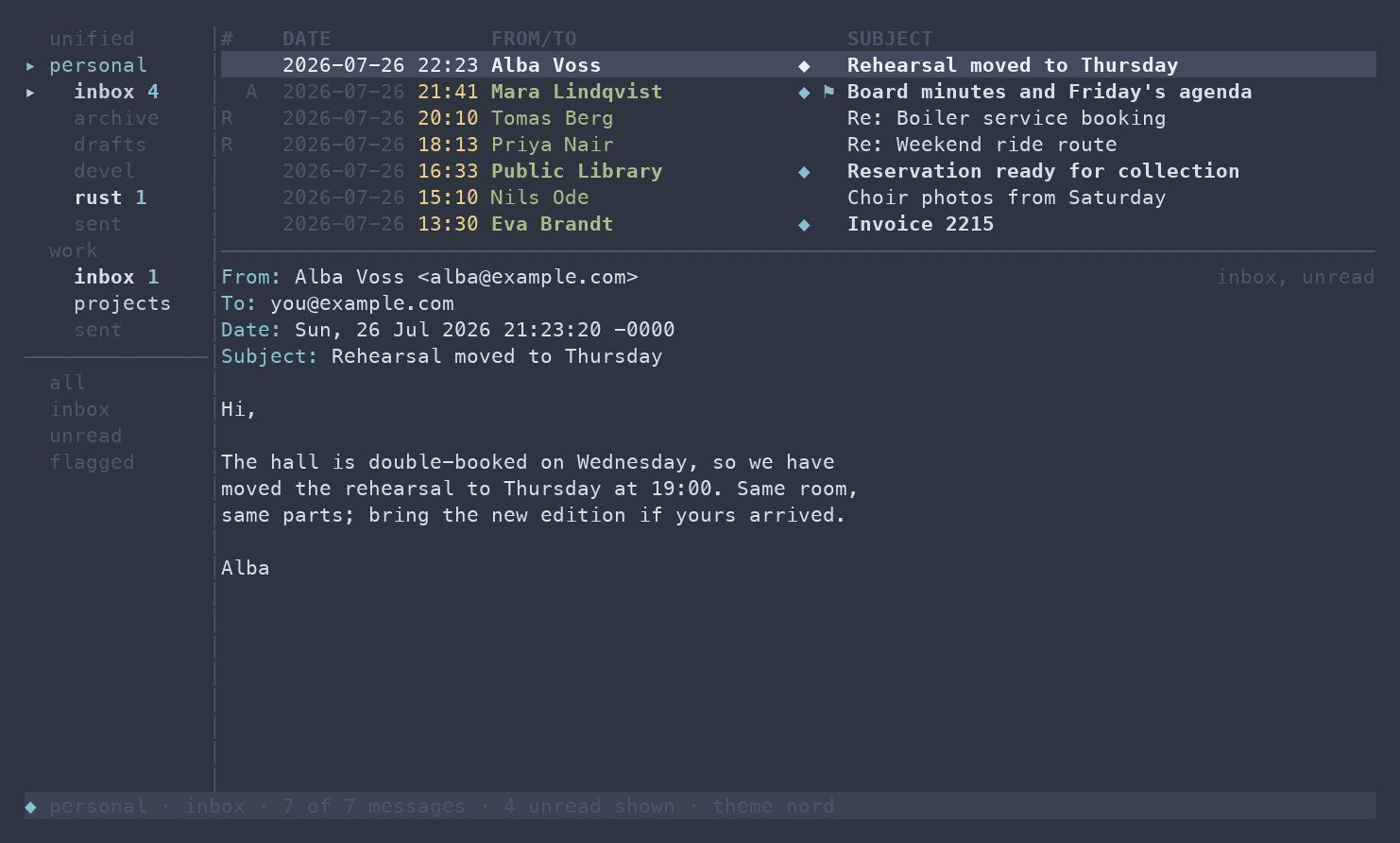
rose-pine
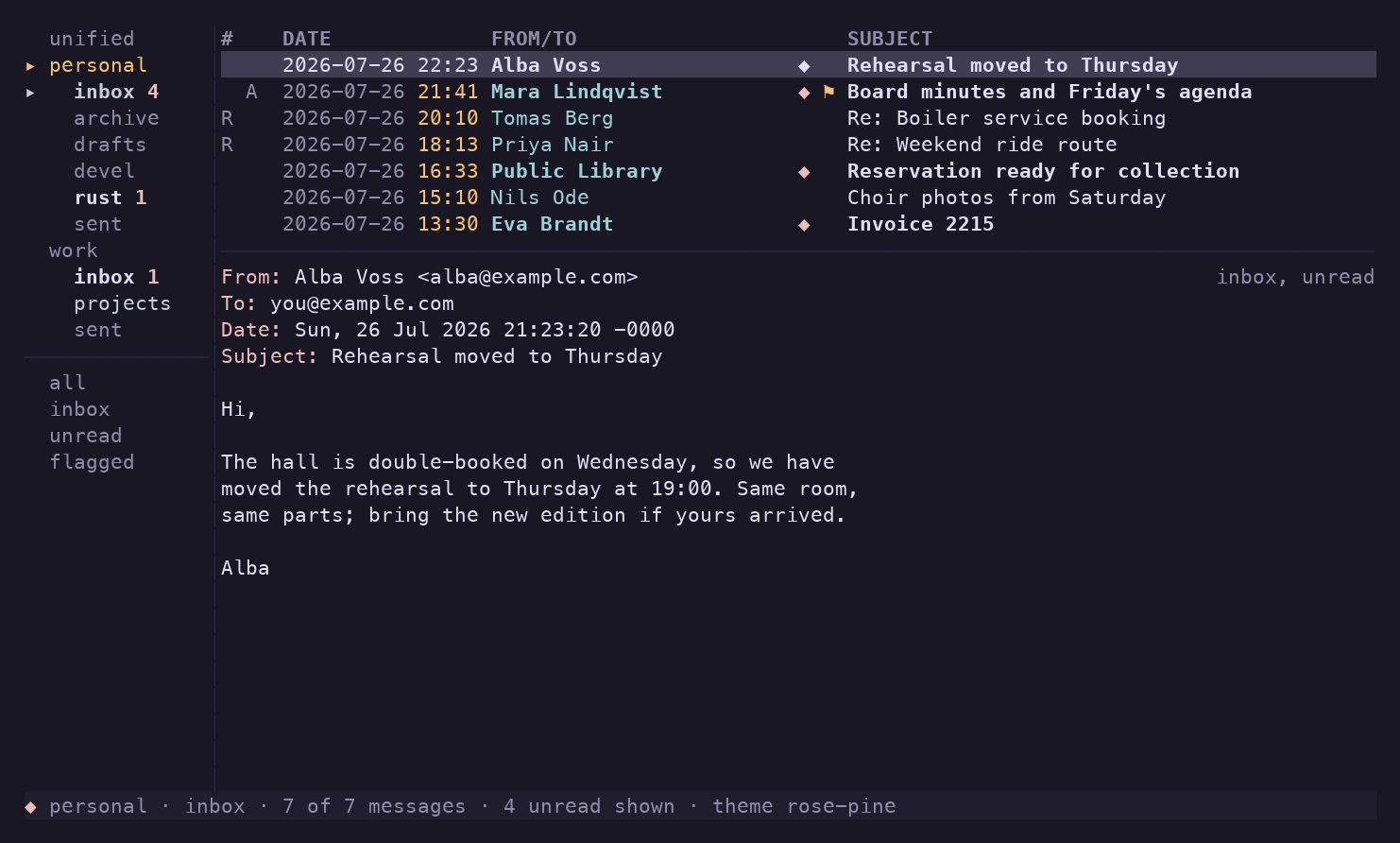
dracula
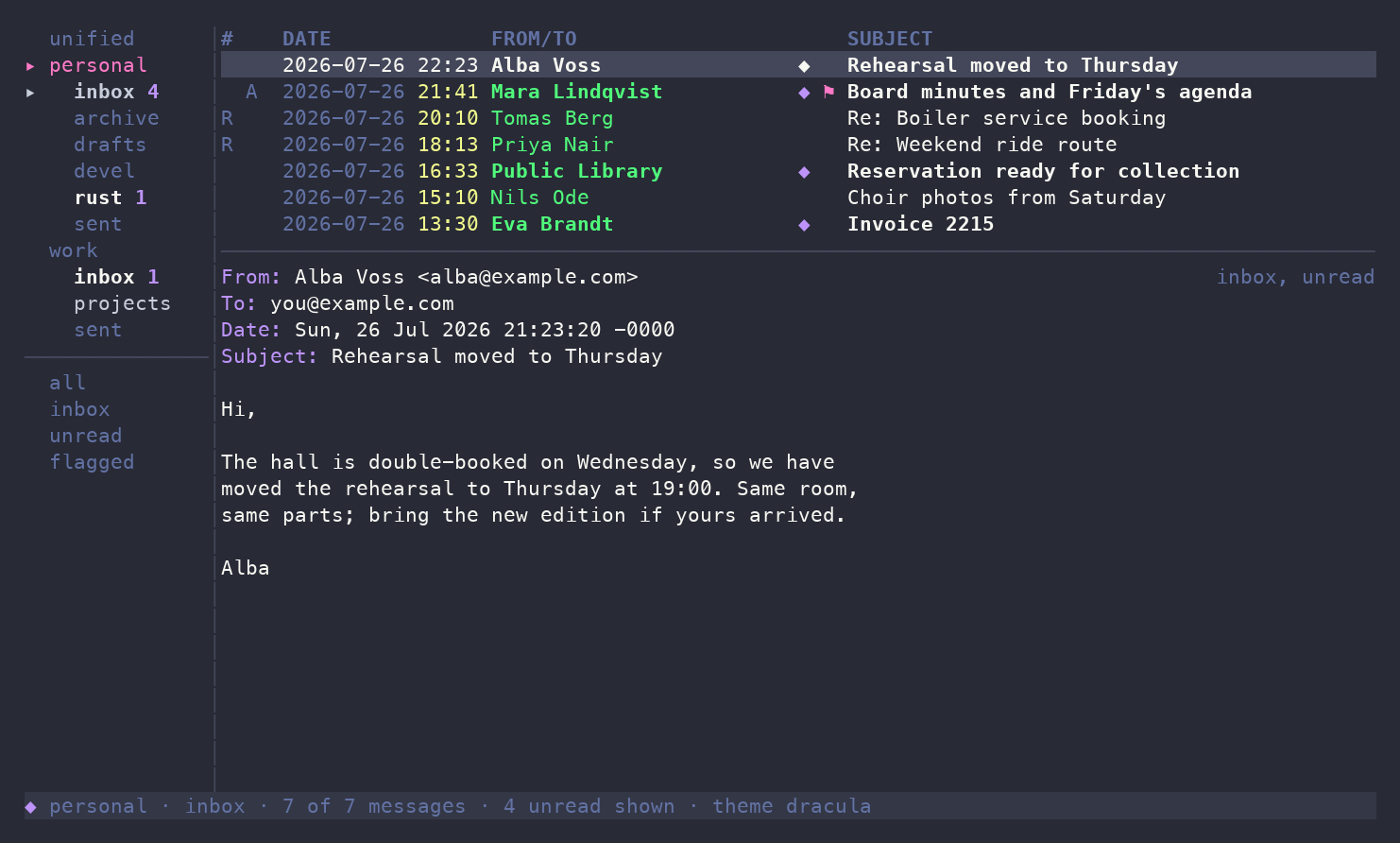
solarized-dark
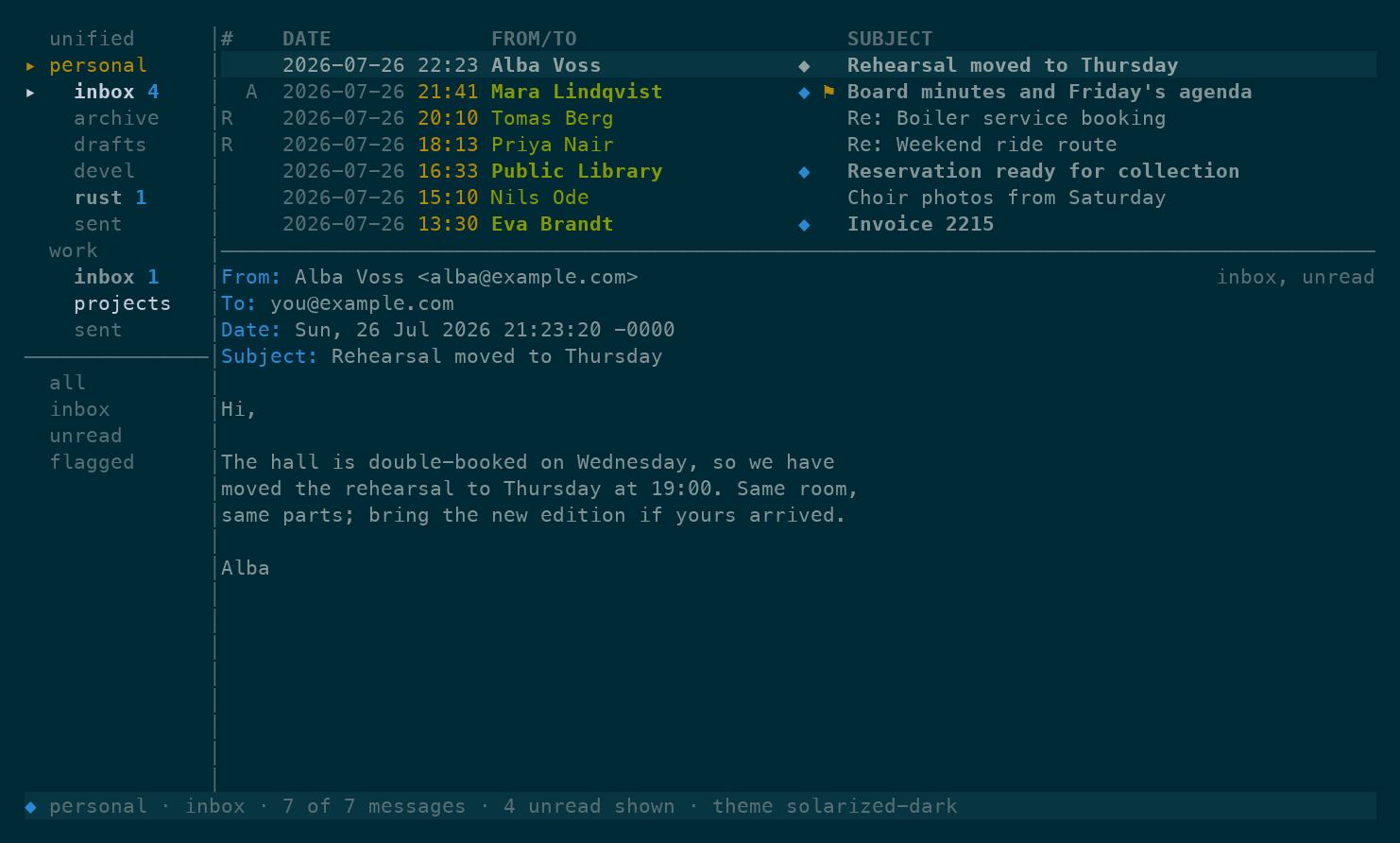
solarized-light
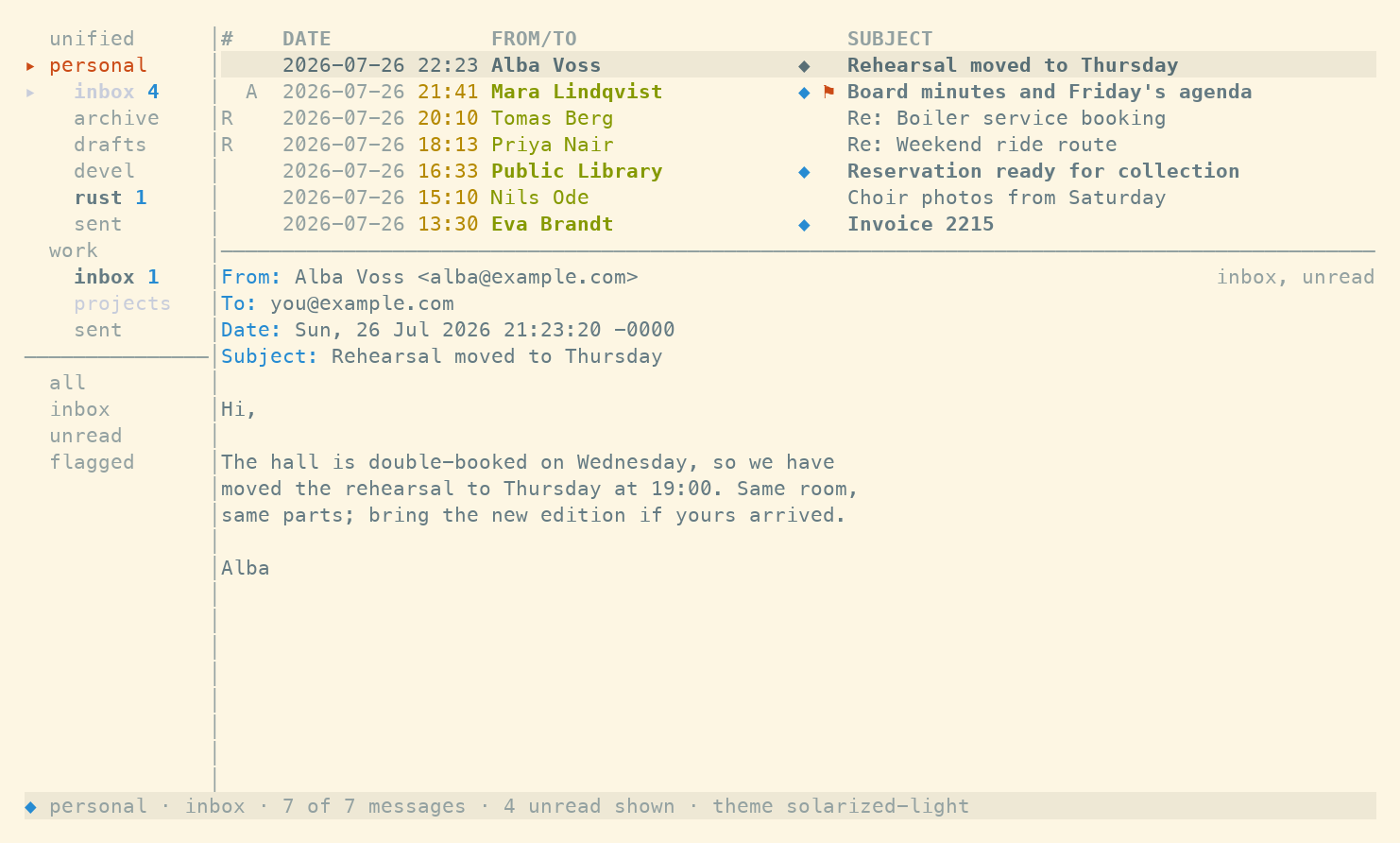
gruvbox-light
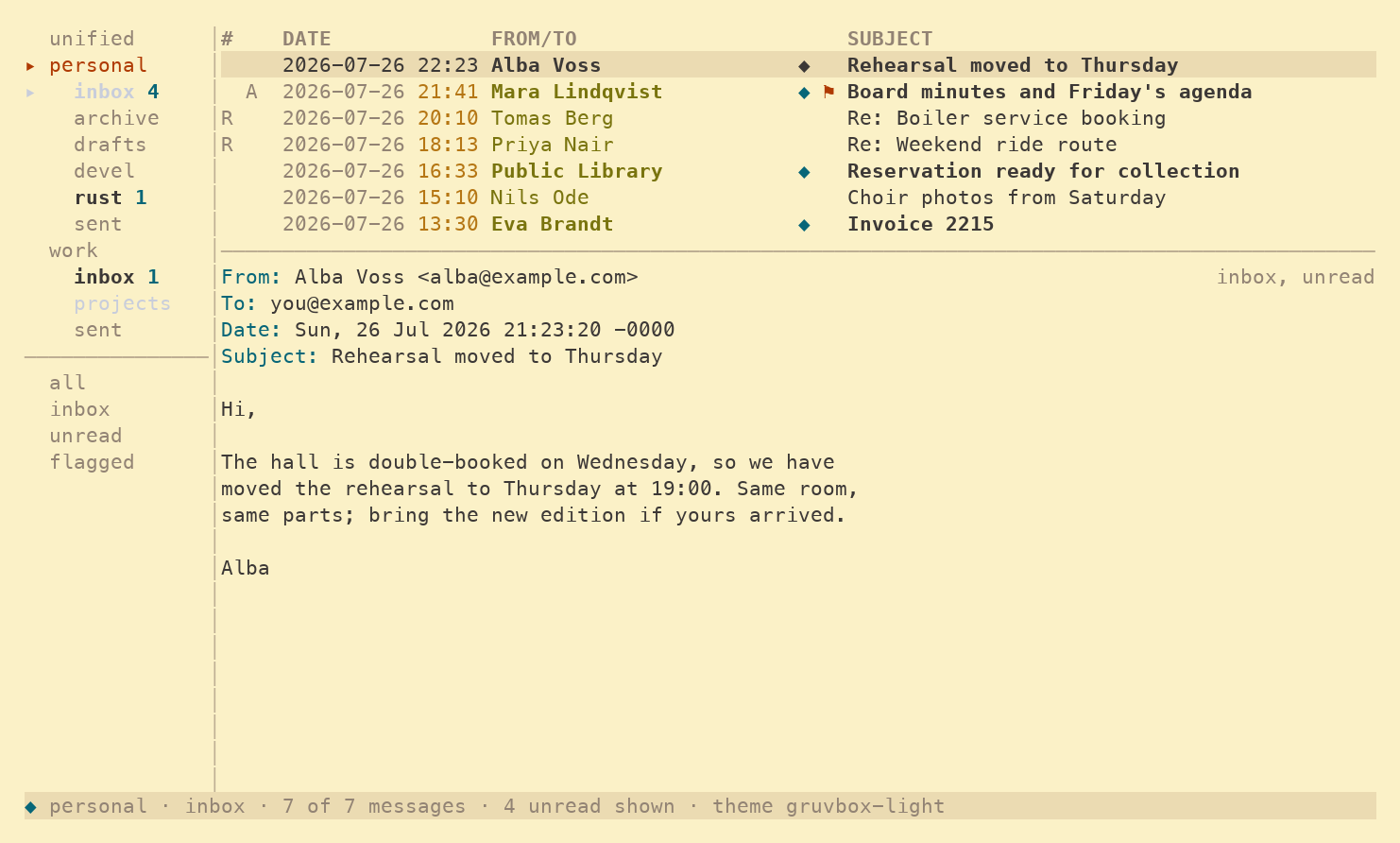
catppuccin-latte
one-dark
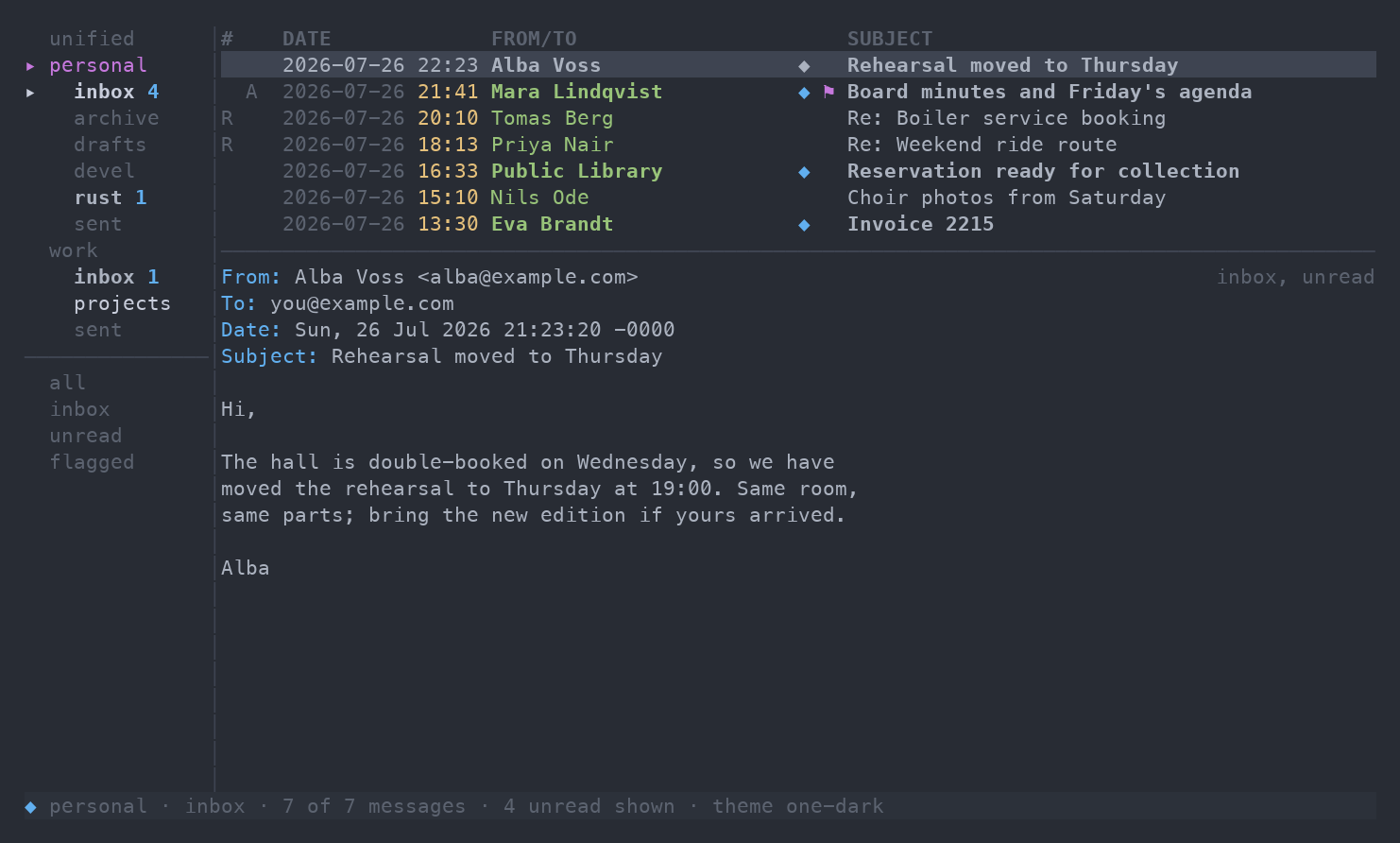
everforest-dark
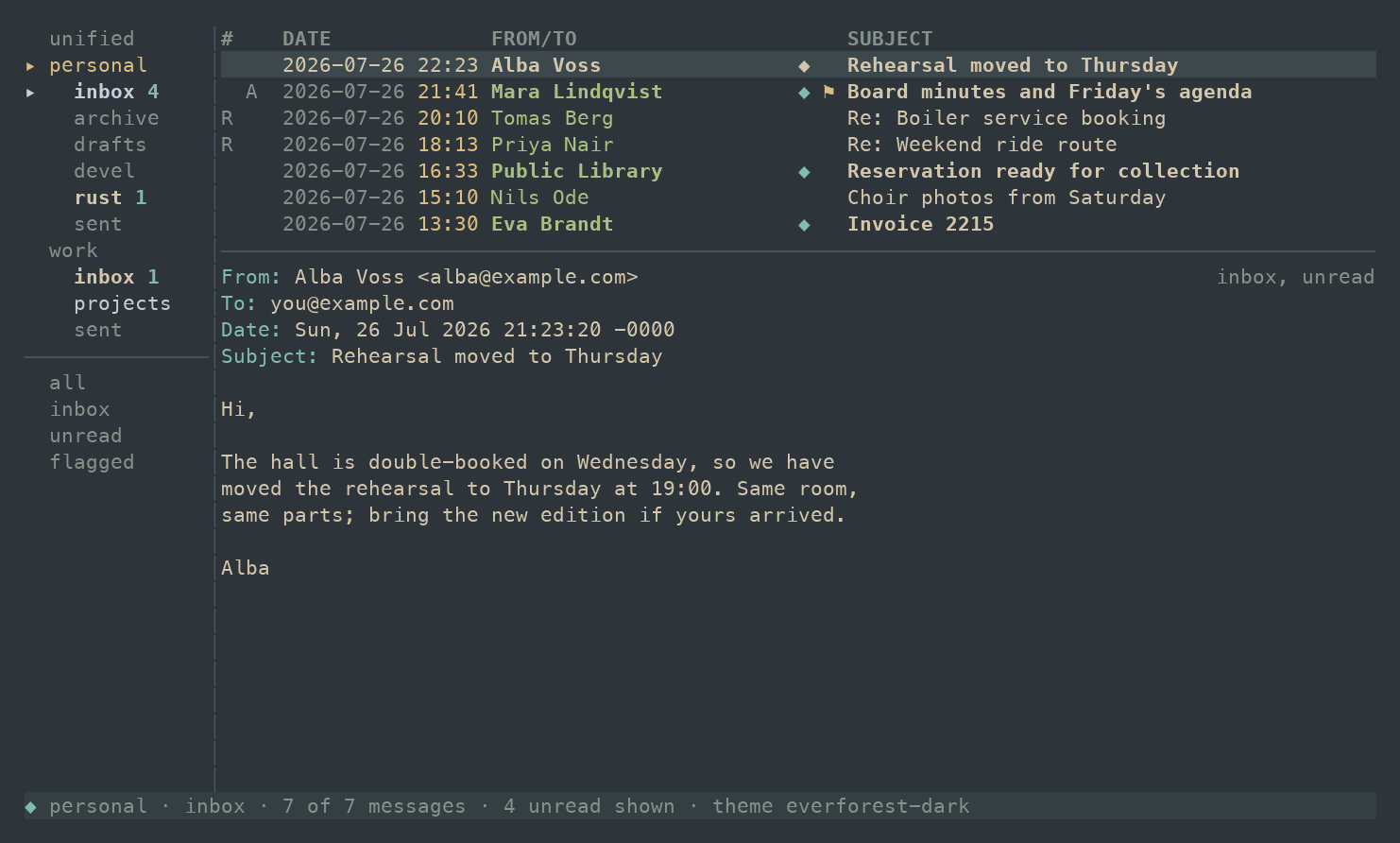
ayu-dark
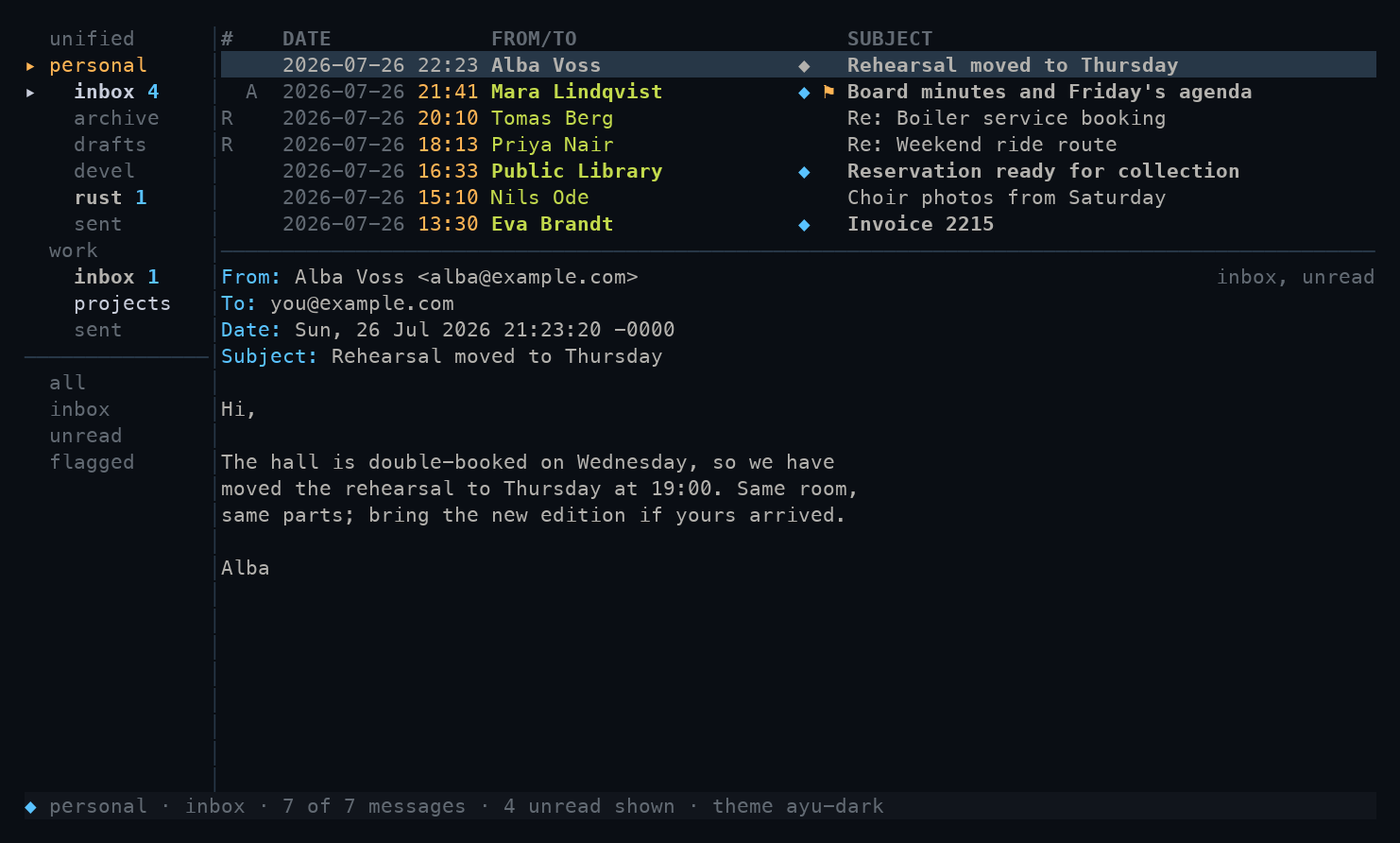
github-dark
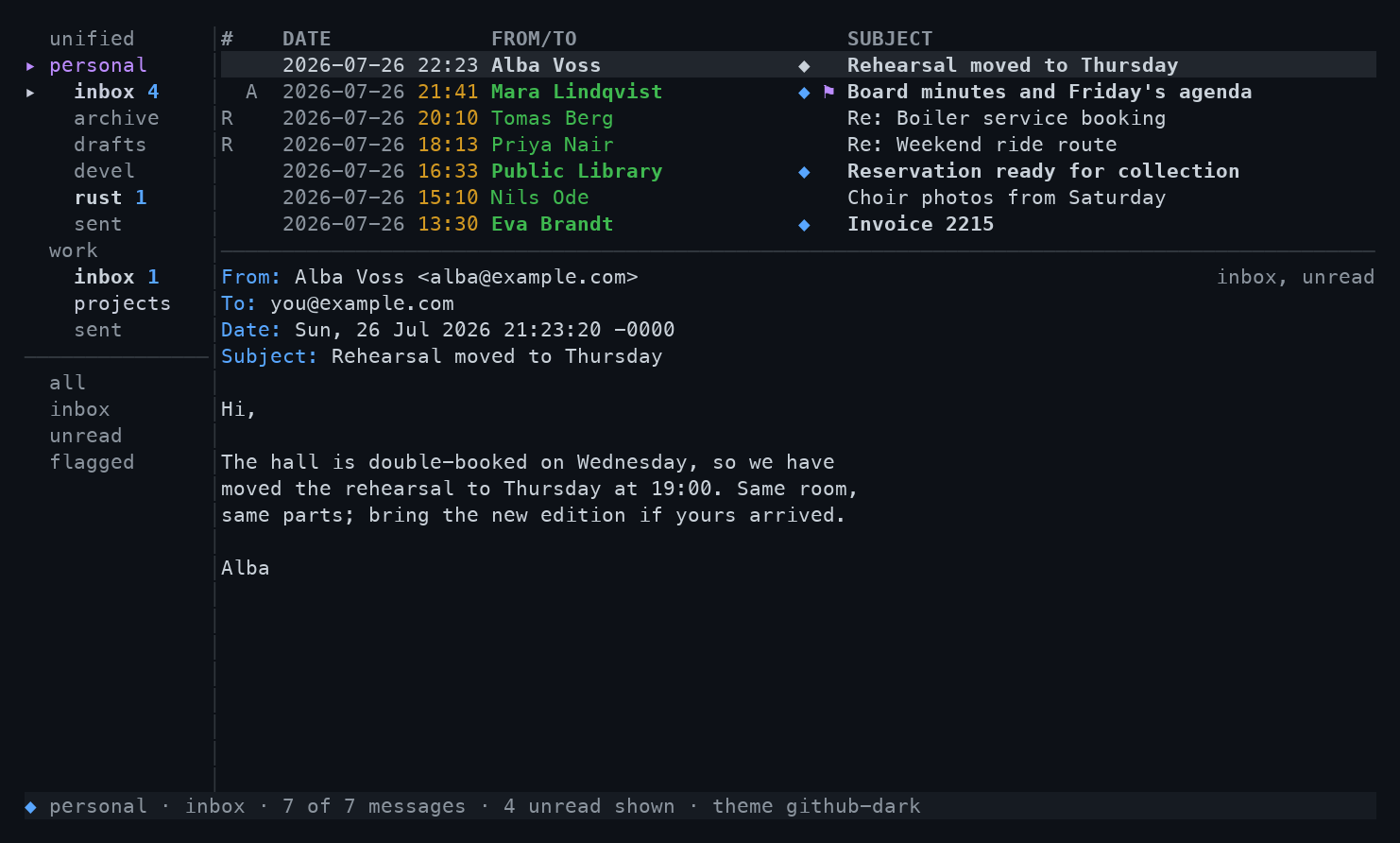
monokai
Layout
The list and pane are shaped in [ui]:
[ui]
reading_pane = "below"     # below | right | off
list_rows = 7              # rows when the pane is below
sidebar_width = 16         # columns, clamped to 10-40
date_format = "%Y-%m-%d %H:%M"   # any strftime pattern
inline_images = true       # render images in the pane
Press p to cycle the reading pane through below, right and
off without touching config; B toggles the sidebar. The
date_format string is split at its last space so the theme
colours the date and time parts separately.
Tabs mode
To swap the nested account sidebar for a one-line tab bar above the panes:
[ui]
accounts_bar = "tabs"      # sidebar | tabs
The bar names unified and then every account in
[accounts] order; the sidebar below shows only the active
account's folders and your searches. These keys work in both
modes:
| Key | Jumps to |
|---|---|
g1-g9 |
account tab 1 to 9 |
gu |
the unified view |
gt / gT |
next / previous account |
The settings Essentials tab toggles the mode live.